Maestro V3.1 Data Rooms and VOD Release
Maestro 3.1 expands how teams share, view, and manage content. Data Rooms (MVP) bring secure external sharing with access codes and timed expiry, while the new Video on Demand player delivers native in-app playback for training and recorded sessions. File Versioning preserves history on every re-upload, and Groups and Users can now be archived to keep workspaces clean without losing audit trail. Under the hood, we kicked off Cypress E2E testing as the foundation for faster future releases.
New3
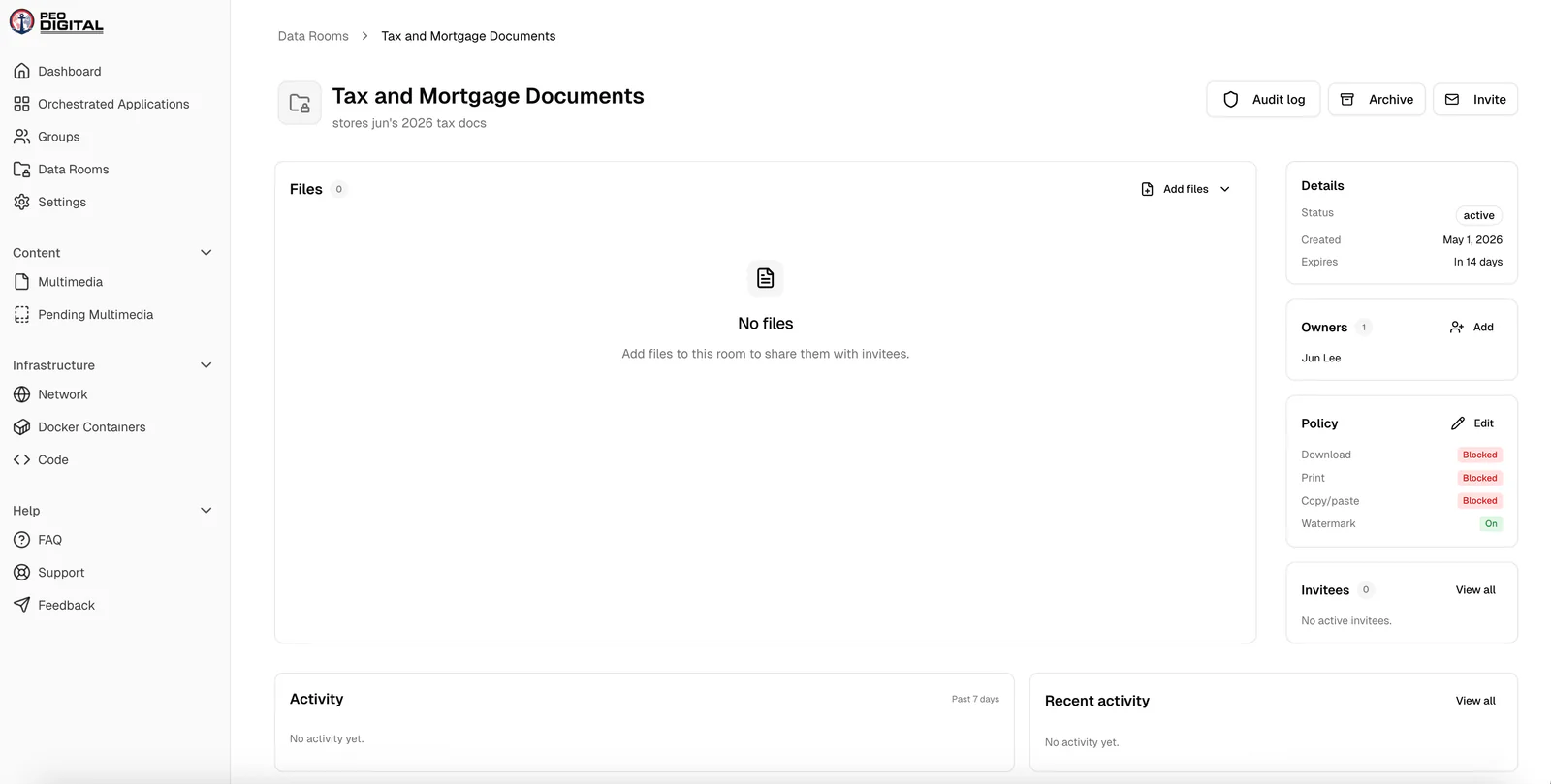
Data Rooms
Securely share collections of documents with external parties. Includes access controls and timed expiry. Magic links allow external users to enter with an Access Code and automatically revoke after a set window so sensitive material doesn't live forever in someone's inbox. This is in MVP stage.
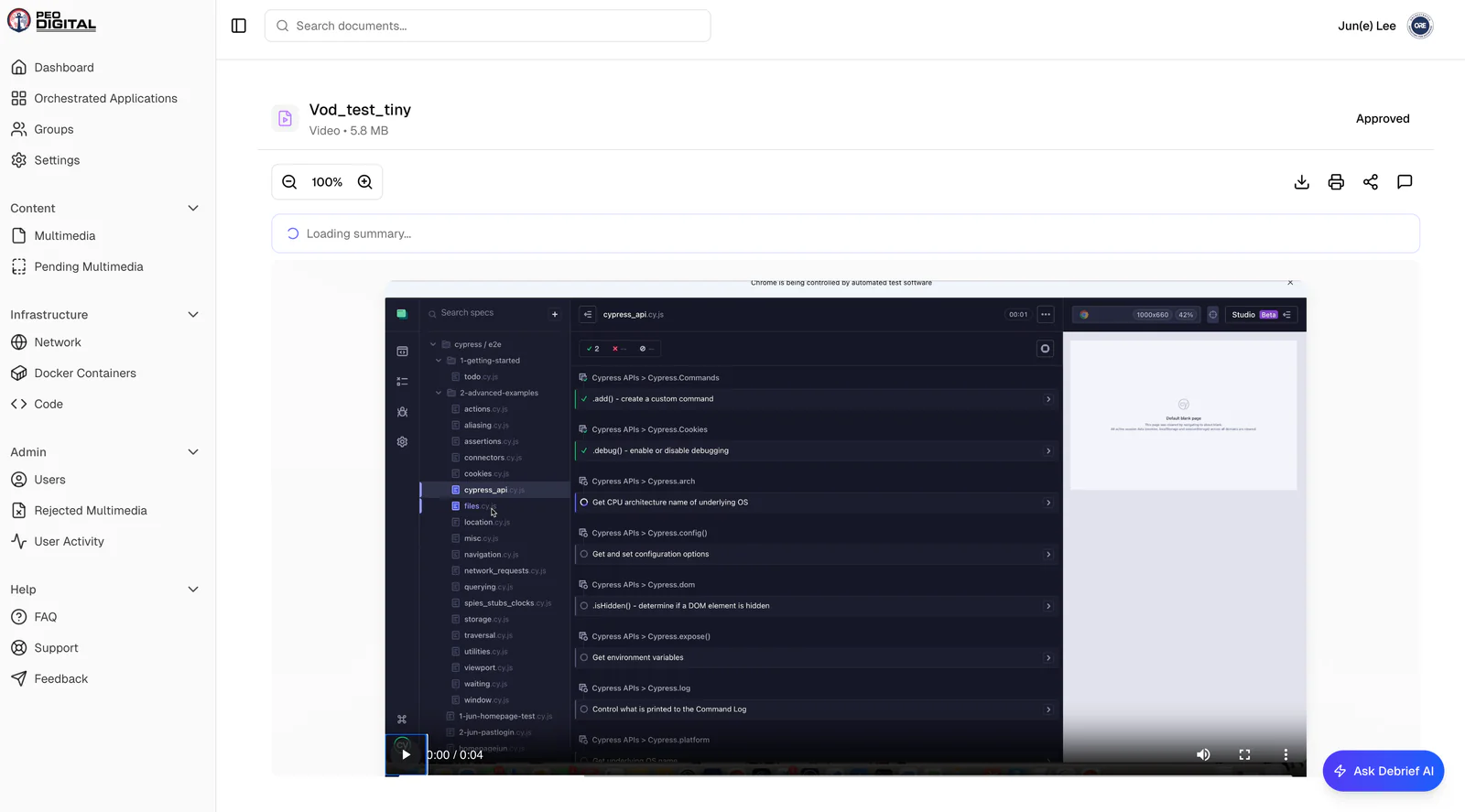
Video on Demand (VoD) Player
Native in-app video playback with full player controls and audio support — thumbnails coming soon. No more downloading MP4s or jumping out to a separate player to review training content and recorded sessions.
File Versioning
Re-uploading a file with the same name now replaces the existing document, but the previous version is preserved in a version log so you can download or restore any prior version. No more accidental overwrites or hunting through email for the right copy.
Updates3
Archive Groups & Users
You can now archive groups and users as a method of permanently deleting them. Keep historical context intact for audit and compliance, while cleaning up your active workspace. Archived Groups and Users can be restored at any time.
Drag-and-Drop Uploads
The upload section now supports drag-and-drop. Pull files straight from your desktop, no more clicking through file pickers.
Cypress E2E Testing
End-to-end testing is now set up for the UI of our app. About half the pages are covered so far. This is the first step toward true CI/CD and automated regression tests, so we can ship faster with more confidence.
Bug Fixes2
AI Summary Regeneration
AI summaries now regenerate automatically when missing. Previously, documents that failed initial processing required manual intervention — that's resolved now.
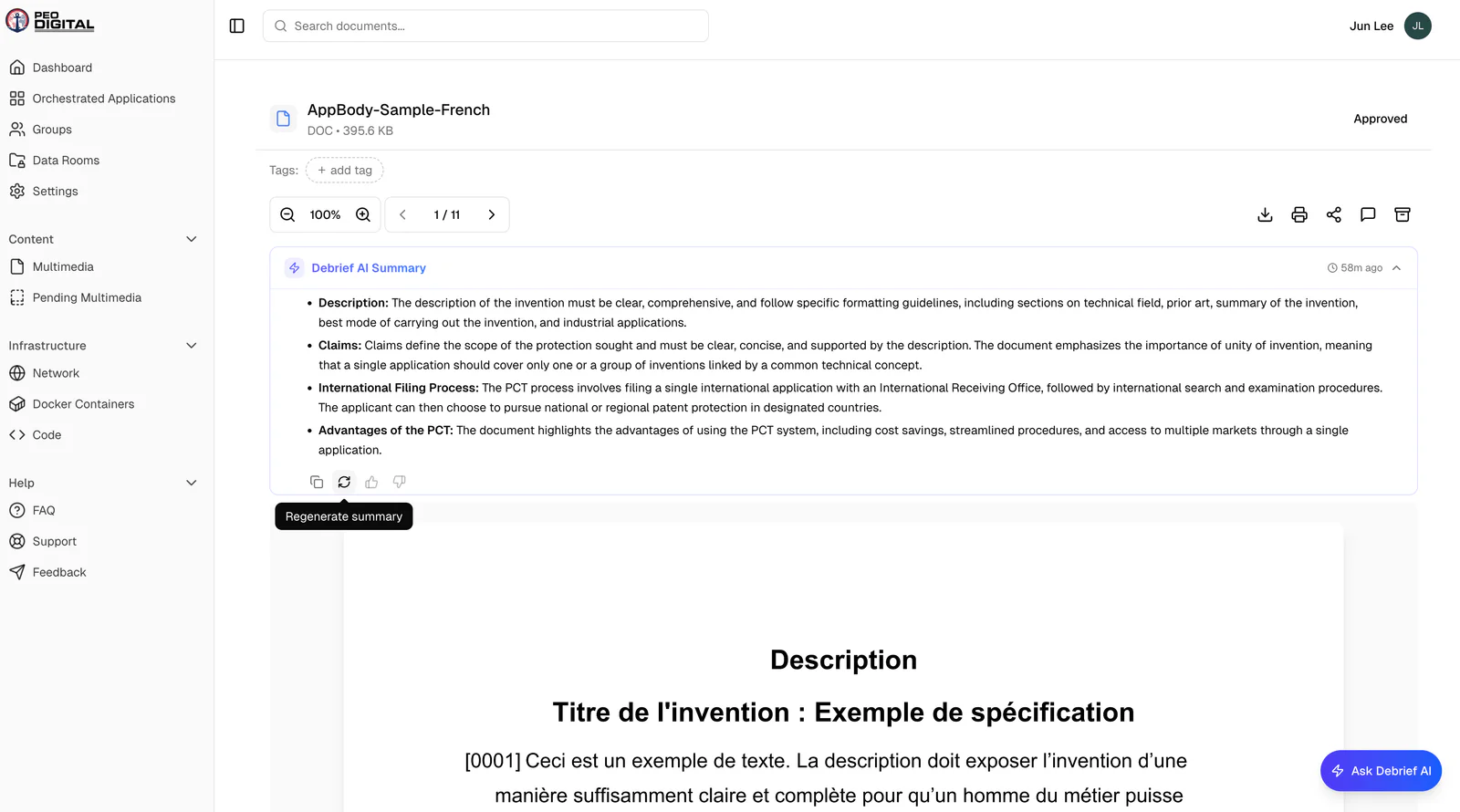
Document Tags
Tags attached to documents now display correctly. Previously, tags were saved on the backend but weren't surfacing in the UI. They're visible again.